- 易迪拓培训,专注于微波、射频、天线设计工程师的培养

HFSS15: Shortcut Menus in the Project Manager Window
录入:edatop.com 点击:
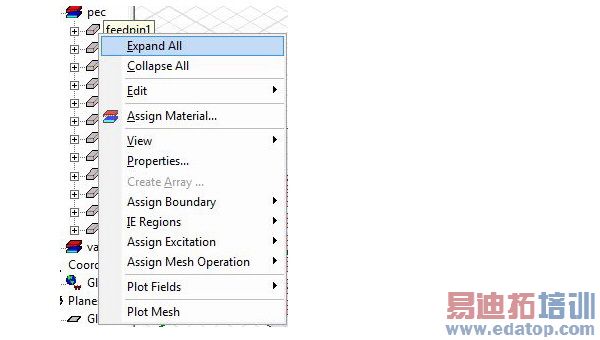
Each node, or item, in the project tree has a shortcut menu. For example, from the shortcut menu for the Boundaries icon, you can assign boundaries to selected objects; review information for all the boundary assignments for the active design; remove all boundary assignments; show or hide a boundary’s geometry, name, or vectors; change the priority of a previously assigned boundary; and use the PML Setup wizard to create a perfectly matched layer (PML) boundary.

HFSS 学习培训课程套装,专家讲解,视频教学,帮助您全面系统地学习掌握HFSS
上一篇:Setting up a Near-Field Line
下一篇:Setting up a Near-Field Sphere

