- 易迪拓培训,专注于微波、射频、天线设计工程师的培养

HFSS15: Saving a Tuned State
录入:edatop.com 点击:
You can save the settings in the Tune dialog box, including the variable values you specified for a tuning analysis. Saved states are only available during the current session of the Tune dialog box; they are not stored for the next session.
1. After tuning a variable, click Save in the Tune dialog box.
A Save As dialog box appears.

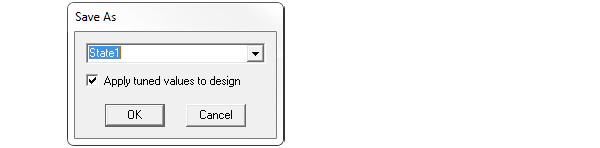
2. Type a name for the tuned state in the text box.
3. Select Apply tuned values to design if you want to update the model to the new variable values.
4. Click OK to return to the Tune dialog box.

