- 易迪拓培训,专注于微波、射频、天线设计工程师的培养

HFSS15: Zoom to Selected Excitation
录入:edatop.com 点击:
Zoom to is an option that can enlarge the view of an excitation. This can be very useful if you want to inspect any problem areas.
You can use the Zoom to option as follows.
1. Select the port under Excitations in the project tree to highlight it in the geometry.
2. Right-click to generate the short-cut menu as shown below.

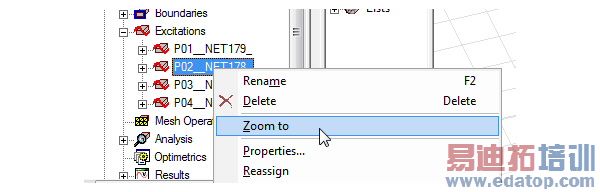
3. Select the option Zoom to.
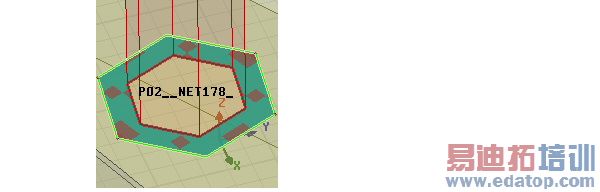
Notice that the option instantly increases magnification of the surface excited with the wave port as shown in the Figure below.
Related Topics
Modifying the Model View

