- 易迪拓培训,专注于微波、射频、天线设计工程师的培养

HFSS15: Transient Solution Data
录入:edatop.com 点击:
For Transient solutions, the Solution Data dialog includes a Transient tab. You access is by clicking HFSS>Results>Solution Data.
1. To enable the display of transient data on the Transient tab, you must first select Transient from the Simulation drop down menu.

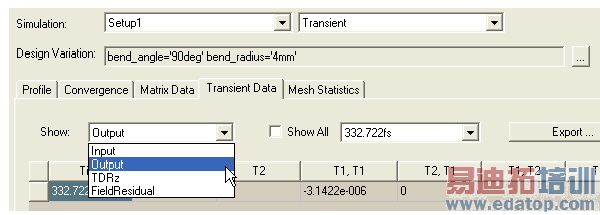
2. Then selecting from the Show drop down menu, you can select Input, Output, TDRz or Field Residual to display.
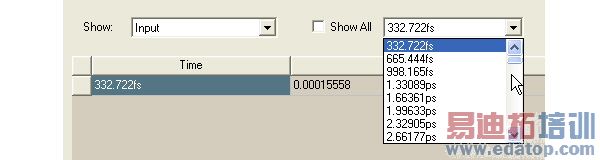
3. You can select which time step to display from the drop down, or check Show All.
4. To export the transient data, click Export. This opens File browser winder that lets you specify a File name, location, and data format.
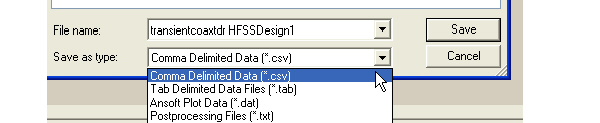
For Transient, the format selections are:
.csv | Comma Delimited Data. |
.tab | Tab Delimited Data files. |
.dat | ANSYS Plot Data files |
.txt | Post Processing Files |
HFSS 学习培训课程套装,专家讲解,视频教学,帮助您全面系统地学习掌握HFSS
上一篇:The Submit HPC Job Dialog
下一篇:The Adaptive Analysis Process

