- 易迪拓培训,专注于微波、射频、天线设计工程师的培养

HFSS15: Download From Server
录入:edatop.com 点击:
If your installation has setup a server location with project archives or other files, you can use File>Download From Server to access them.
For Archive files, click File>Download from Server>Project Archives...
This opens the Archive Libraries Access dialog.

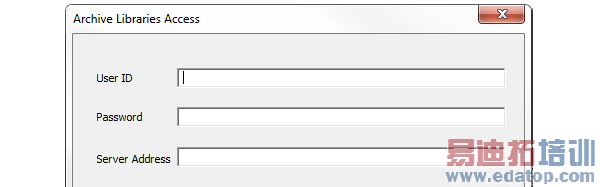
Here you specify a User ID, Password, and Server address. You can then browse for and select the files needed.
For File Libraries Access, clock File>Download From Server>Other Files...
This opens the File Library Access dialog.
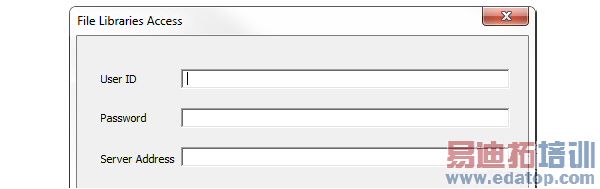
Here yous specify a User ID, Password, and Server address. You can then browse for and select the files needed.
HFSS 学习培训课程套装,专家讲解,视频教学,帮助您全面系统地学习掌握HFSS
上一篇:Drawing an Equation-Based Curve
下一篇:Distributed Memory Solutions with HFSS-IE

